

My Sites
Manage your sites, installations, and associated documents
Access to management features depends on your license type.
Description
In the "My Sites" tab, you can access all your sites, their installations, and detailed composition. Depending on your license, you can manage these sites (add, modify) and view associated folders and documents.
Main Features
Site Management
- View the list of your sites
- Access detailed information about them
- Depending on your license, add or modify existing sites
Controls, Calculation Notes, and Intervention Calendar
After clicking "View All Documents," you can access all control and scheduling features.
📋
Regulatory Controls
Perform your controls directly in the interface
🧮
Calculation Notes
Generate calculation notes for your equipment
📅
Intervention Calendar
View all scheduled deadlines for your sites

Document Extraction and Access
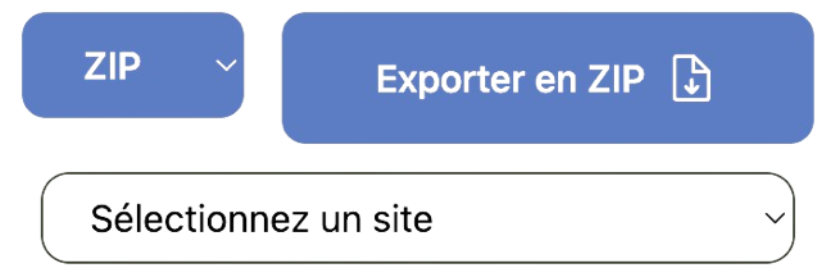
- Extract site documents in .zip format
- Get the site list in PDF format
- View all documents using the "View All Documents" button
Add a Document
- Click on "View All Documents"
- Select the location via three dropdown lists:
- Document type
- Category
- Sub-category
- Drop the file into the system
Models and OCR
📱
Existing Models
Use models to generate equipment lists
🔍
OCR Technology
Quick extraction of necessary data

Request Assistance from the DCRR Team
If you cannot modify a site, use the "Request Assistance for a Site" button to get help.
