

Models
Management of pressure equipment models and safety accessories
Models can be created manually or via AI-powered OCR technology.
General Description
The "Models" tab allows you to manage all pressure equipment models, safety accessories, and other items used in your installations. These models are created from the actual equipment data, which can either be manually entered or extracted using AI-powered OCR technology.
Model Creation Process
1. Manual Creation or via OCR (AI)
Manual Creation
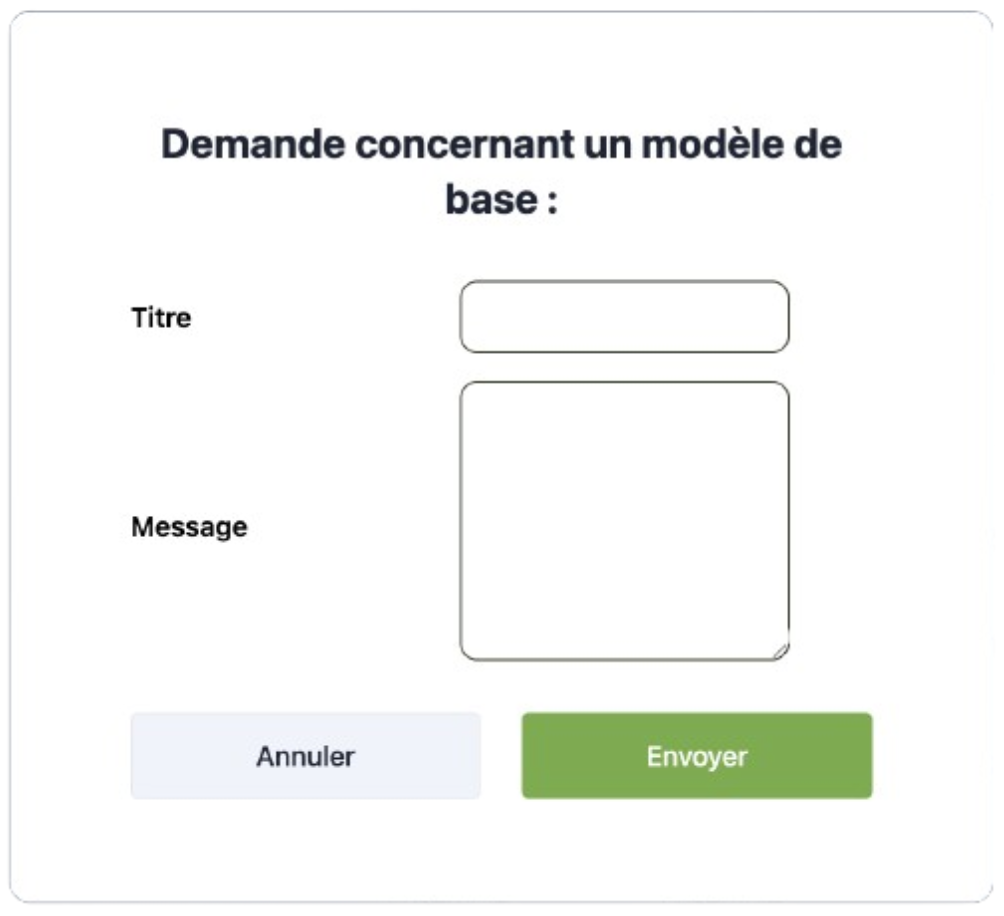
- You can submit a request to the DCRR team to create a model by providing the relevant equipment or pressure set data.
To submit a request, use the "Request Model Creation" button at the top of the page.
OCR (AI)
- You can use the integrated OCR technology to automatically extract information from a photograph.
- Once the information is extracted, the model is submitted to the DCRR team for review, but you can already add it to your list.
2. Validation and Integration
Review
A review is performed to check the correlation between the collected data and the actual image of the equipment.
Modifications
If necessary, modifications will be made to ensure data accuracy.
Validation
Once validated, the model is added to the list of available models and becomes accessible in the tab.
Main Features
Access to Documentation
- Some models come with their documentation
- Provides quick document reference if necessary
Centralized Management
- All models are stored centrally
- Allows easy retrieval of associated equipment and accessories
- Facilitates reuse when creating your Art 6-III Lists
Ensure that the information is complete before validating a model to guarantee its optimal use in Art 6-III lists.